
Speed Up GIF Online Free — Make GIFs Faster
Speed up any GIF to 1.25x, 1.5x, 2x, 3x, or 4x faster in milliseconds. 100% private in-browser binary processing without server uploads or watermarks.
Drop your animated GIF here
or browse from your computer or phone
Popular Speed Multipliers & Recommended Use Cases
Compare common fast-forward speeds to choose the right multiplier for your GIF.
| Speed | Pacing | Duration Effect | Best Used For |
|---|---|---|---|
| 1.25x | Brisk | 20% shorter duration | Subtle pacing enhancement for UI and animations |
| 1.50x | Fast | 33% shorter duration | Shortening social media loops & conversational clips |
| 2.00x | Double Speed | 50% shorter duration | Tutorials, gameplay highlights, and reaction memes |
| 3.00x | Timelapse | 66% shorter duration | Creative process recaps, drawing videos, and timelapses |
| 4.00x | Hyper Speed | 75% shorter duration | Ultra-fast looping comedy clips and background effects |
How to Speed Up a GIF in 4 Simple Steps
Make any animation faster in seconds directly in your web browser.
Upload Your GIF
Drag and drop or browse any animated GIF file up to 50MB into the speed-up dropzone.
Select Acceleration Preset
Choose 1.25x, 1.5x, 2x, 3x, 4x, or slide continuously up to 5.0x for high-speed fast forward.
Instant In-Memory Processing
Our binary GCE engine updates 16-bit delay integers in milliseconds with zero quality loss.
Preview & Download Fast GIF
Review the high-speed loop in real-time and export as an unwatermarked GIF or MP4 video.
Why Speed Up GIFs with Free GIF Tools?
Experience browser-based acceleration designed for content creators, developers, and social media managers.
Instant Binary Acceleration
Modifies Graphic Control Extension (GCE) delay markers in RAM without re-encoding pixel palettes. Fast-forward speed changes take under 30 milliseconds.
One-Click Speed Presets
Quickly select 1.25x (brisk), 1.5x (fast), 2.0x (double speed), 3.0x (timelapse), or 4.0x (ultra fast) for perfect meme and reaction timing.
Precision Slider up to 5x
Need an exact speed like 1.8x or 2.7x? Use the continuous slider to tune your speed in 0.05x increments.
100% Client-Side Privacy
Your animations never leave your computer or phone. Everything runs locally inside your browser via WebAssembly with zero server uploads.
Zero Quality Degradation
Because pixels are not re-compressed or quantized, transparent backgrounds, color palettes, and frame crispness remain 100% identical.
GIF or MP4 Video Export
Download as an accelerated animated GIF or convert directly into an ultra-compact H.264 MP4 video for Twitter, Discord, and Instagram.
Speed Up GIF FAQs
Got questions about accelerating GIFs, delay metadata, and formats? Here are quick answers.
How do I speed up a GIF online for free?
Drag and drop your GIF into our upload box, select a speed preset such as 1.5x, 2x, 3x, or 4x (or use the custom slider up to 5x), and click 'Download Fast GIF'. The speed change happens instantly in your browser with zero wait time.
Does speeding up a GIF reduce its image quality?
No! Our engine adjusts the 16-bit frame delay metadata inside the GIF's Graphic Control Extension (GCE) headers without touching or recompressing the color palettes. Your GIF stays 100% as crisp and vibrant as the original.
Does making a GIF faster change its file size?
In GIF format, the file size remains virtually unchanged because the number of frames and pixel data are preserved. If you choose to export as an MP4 video, the file size will typically shrink by 70% to 90% while keeping the fast playback.
Can I choose a custom speed multiplier like 1.8x or 2.5x?
Yes! In addition to the quick presets (1.25x, 1.5x, 2x, 3x, 4x), you can use our smooth slider to set any custom speed multiplier between 1.05x and 5.0x in 0.05x precision steps.
Are my uploaded GIFs private and safe?
Yes, 100%. All processing runs locally in your browser memory via WebAssembly. Your files are never uploaded to any remote server or stored in the cloud.
Does FreeGifTools add a watermark to accelerated GIFs?
Never. All GIFs and MP4 videos downloaded from FreeGifTools are completely watermark-free, clean, and ready for commercial or personal use.
Explore More GIF Tools
Slow Down GIF
Need slow-motion playback instead? Extend delay intervals smoothly from 0.75x down to 0.25x.
Change GIF Speed Hub
Access our master GIF speed controller with custom multipliers, bidirectional tuning, and live preview.
Related GIF Speed & Editing Guides
Explore expert tips on GIF frame timing, Discord file size constraints, and compression techniques.
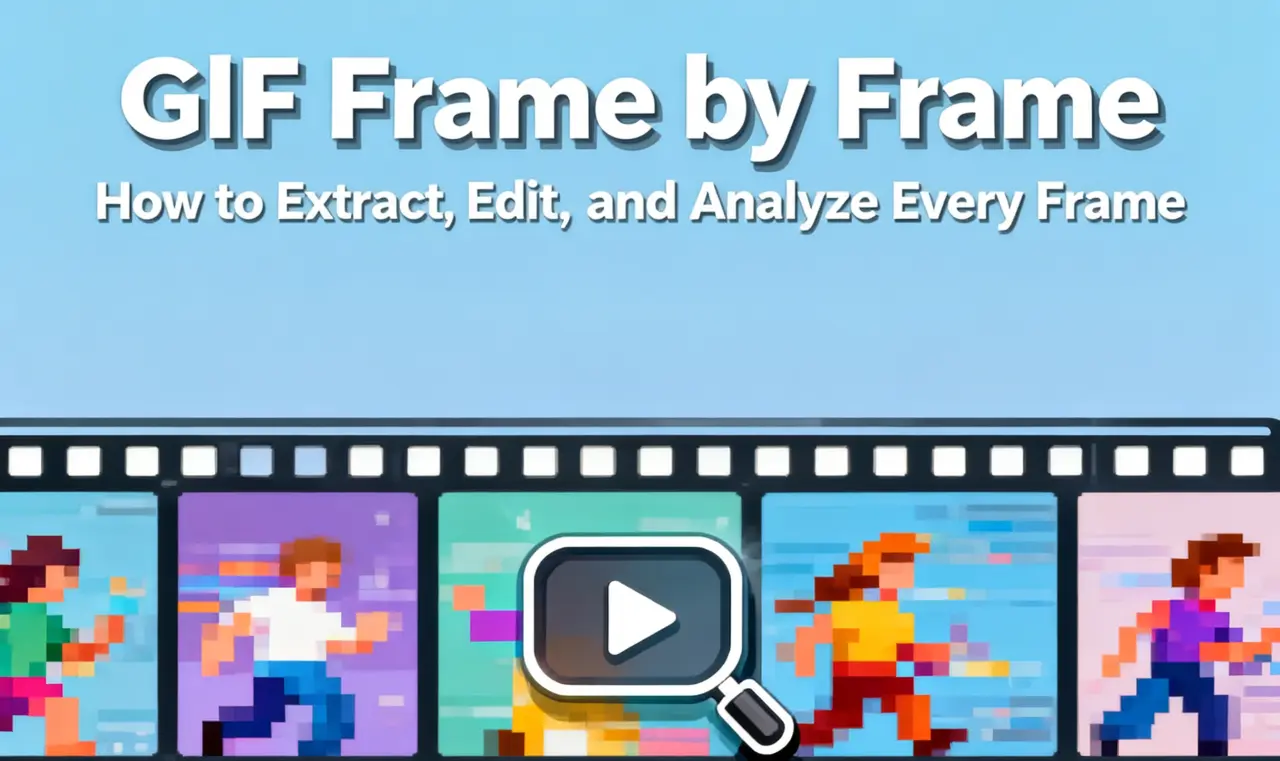
GIF Frame-by-Frame Editing: How to Control Timing
Master GIF frame timing, delay metadata, and framerate management for perfectly synchronized animations.
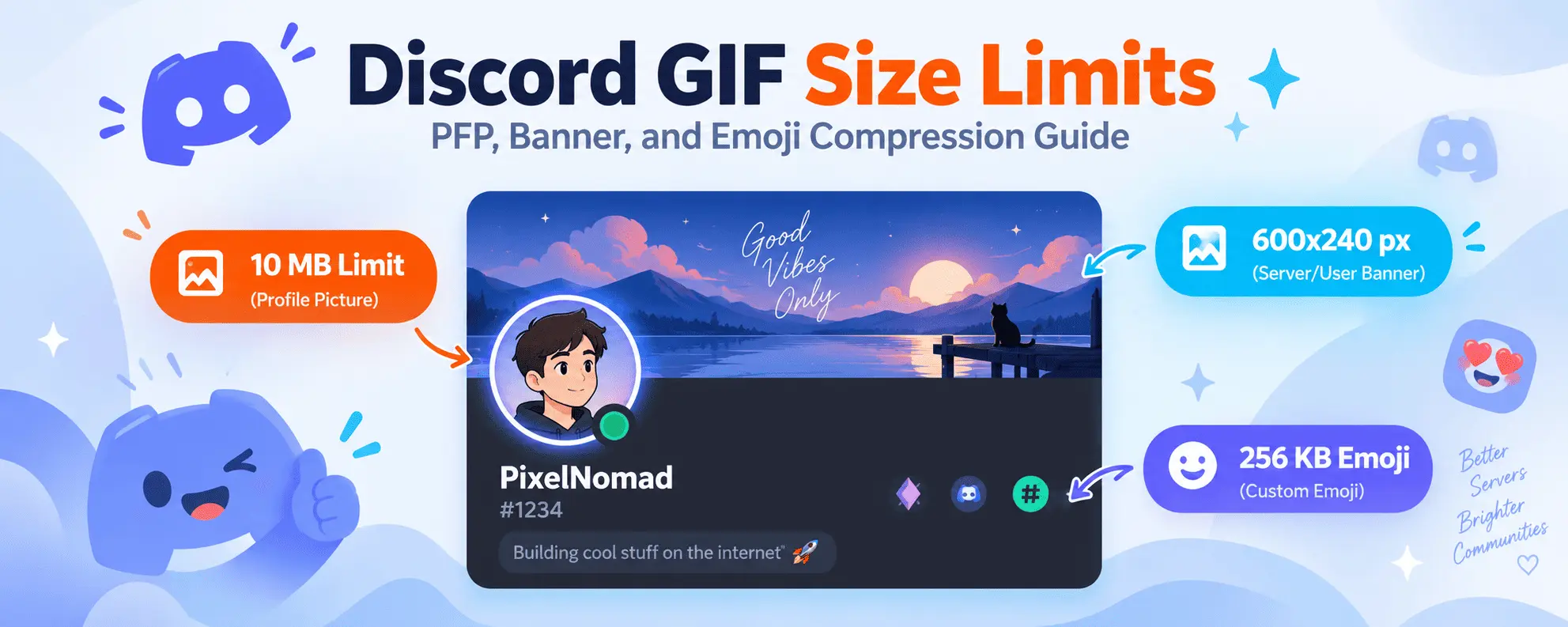
Discord GIF Size Limits & Compression Guide
Learn Discord's avatar, banner, and emoji file limits, and how to optimize high-speed GIFs to fit.
Color Psychology and GIF Design: Enhancing Visual Impact
Understand how color palettes and frame transitions work together to create striking, memorable animations.

Best Video to GIF Conversion Settings for Speed & Quality
Compare framerates, resolution scaling, and quantization settings for creating fluid, high-performance GIFs.