
Slow Down GIF Online Free — Smooth Slow Motion Maker
Slow down any animated GIF to 0.75x, 0.5x, or 0.25x slow motion. 100% private in-browser binary processing without server uploads or watermarks.
Drop your animated GIF here
or browse from your computer or phone
Slow Motion Multipliers & Recommended Use Cases
Compare common slow-down speeds to create the exact pacing effect you need.
| Speed | Pacing | Duration Effect | Best Used For |
|---|---|---|---|
| 0.75x | Gentle Slow | 33% longer duration | Subtle slowing of fast speech, gestures, and reactions |
| 0.50x | Half Speed (2x Slower) | 100% longer duration (2x) | Standard slow motion, dance choreography, comedy pacing |
| 0.25x | Quarter Speed (4x Slower) | 300% longer duration (4x) | Sports mechanics, frame analysis, and dramatic impacts |
| 0.10x | Extreme Slomo (10x Slower) | 900% longer duration (10x) | Frame-by-frame detailed inspection and slow reveals |
How to Slow Down a GIF in 4 Simple Steps
Create smooth, dramatic slow motion animations in seconds directly in your web browser.
Upload Animated GIF
Drag and drop or select your animated GIF file up to 50MB into the slow motion dropzone.
Choose Slow Motion Preset
Select 0.75x (gentle), 0.5x (half speed), 0.25x (quarter speed), or slide down to 0.1x for extreme slomo.
Instant Delay Scaling
Our in-browser engine scales the 16-bit frame delay integers in RAM losslessly in milliseconds.
Preview & Download Slomo GIF
Watch your smooth slow motion replay in real-time and download your unwatermarked GIF or MP4 video.
Why Slow Down GIFs with Free GIF Tools?
Precision in-browser slow motion crafted for video editors, animators, and meme creators.
True Slow Motion Effects
Slow down animations to 0.75x, 0.5x (half speed), or 0.25x (4x slower) for dramatic effect, choreography study, or meme pacing.
Lossless Delay Modification
Alters frame delay metadata directly in the GIF binary headers. Every color, transparent layer, and pixel is preserved with zero loss.
Continuous Precision Slider
Fine-tune your slow motion between 0.05x and 0.95x in 0.05 increments to match exact audio cues or video timings.
100% Client-Side Privacy
Your files never leave your device. All calculations run locally in your web browser with zero server uploads or data logging.
Instant Live Preview
Review your slow-motion playback immediately before saving. Inspect exact frame counts and new total duration in seconds.
High-Quality MP4 Conversion
Export as an animated GIF or an H.264 MP4 video. MP4 files offer buttery smooth playback and smaller file sizes on mobile apps.
Slow Down GIF FAQs
Common questions about creating slow motion GIFs, frame rates, and formats.
How do I slow down a GIF online for free?
Drag and drop your GIF into our Slow Down GIF tool, click a preset like 0.5x (half speed) or 0.25x (quarter speed), and watch the real-time preview. Click 'Download' to save your slow-motion animation with no watermark.
Will slowing down a GIF make the animation choppy?
Animated GIFs contain a fixed sequence of images. When you slow down playback, each frame stays on screen longer. If your original GIF has a high framerate (e.g. 15–30 FPS), slow motion looks very smooth. Our tool retains 100% of the original frames.
What is the difference between 0.5x and 0.25x slow motion?
0.5x makes the GIF play at half speed (each frame displays for double its original duration). 0.25x makes the GIF play at quarter speed (each frame displays four times longer), producing an ultra-slow motion effect.
Does slowing down a GIF increase its file size?
No! In GIF format, file size is based on image dimensions and frame count. Since slowing down only increases the delay timer between frames, the file size remains virtually identical to the original.
Can I convert a slow motion GIF to MP4 video?
Yes! Choose 'MP4 Video (H.264 Optimized)' as your export format. Our built-in WebAssembly FFmpeg encoder will create a universal MP4 video that plays smoothly across all phones and web browsers.
Are my animations stored on your servers?
Never. Free GIF Tools runs entirely client-side in your browser using modern WebAssembly. Your images are never transmitted to any external server or saved in the cloud.
Explore More GIF Tools
Speed Up GIF
Need fast-forward playback? Accelerate your animation up to 5x with lossless delay adjustment.
Change GIF Speed Hub
Access our master GIF speed controller with custom multipliers, bidirectional tuning, and live preview.
Related GIF Speed & Editing Guides
Explore expert tips on GIF frame timing, Discord file size constraints, and compression techniques.
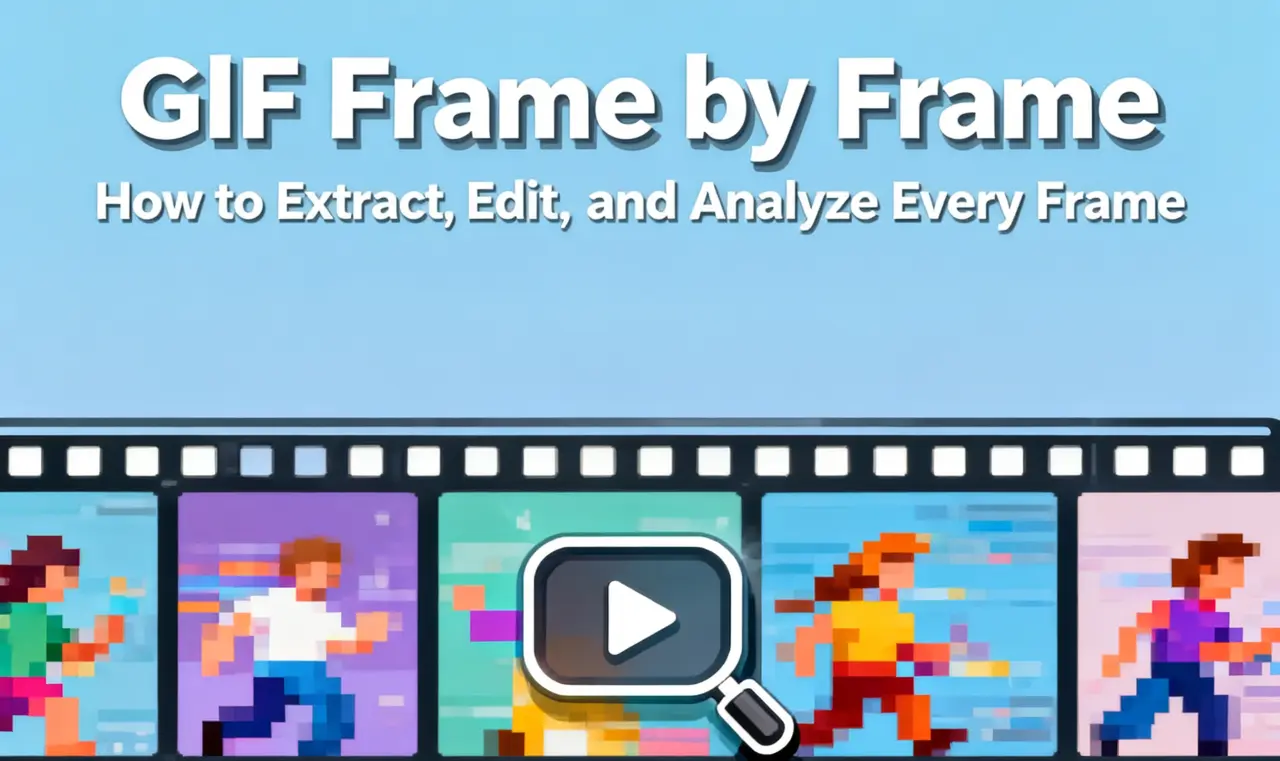
GIF Frame-by-Frame Editing: How to Control Timing
Master GIF frame timing, delay metadata, and framerate management for perfectly synchronized animations.
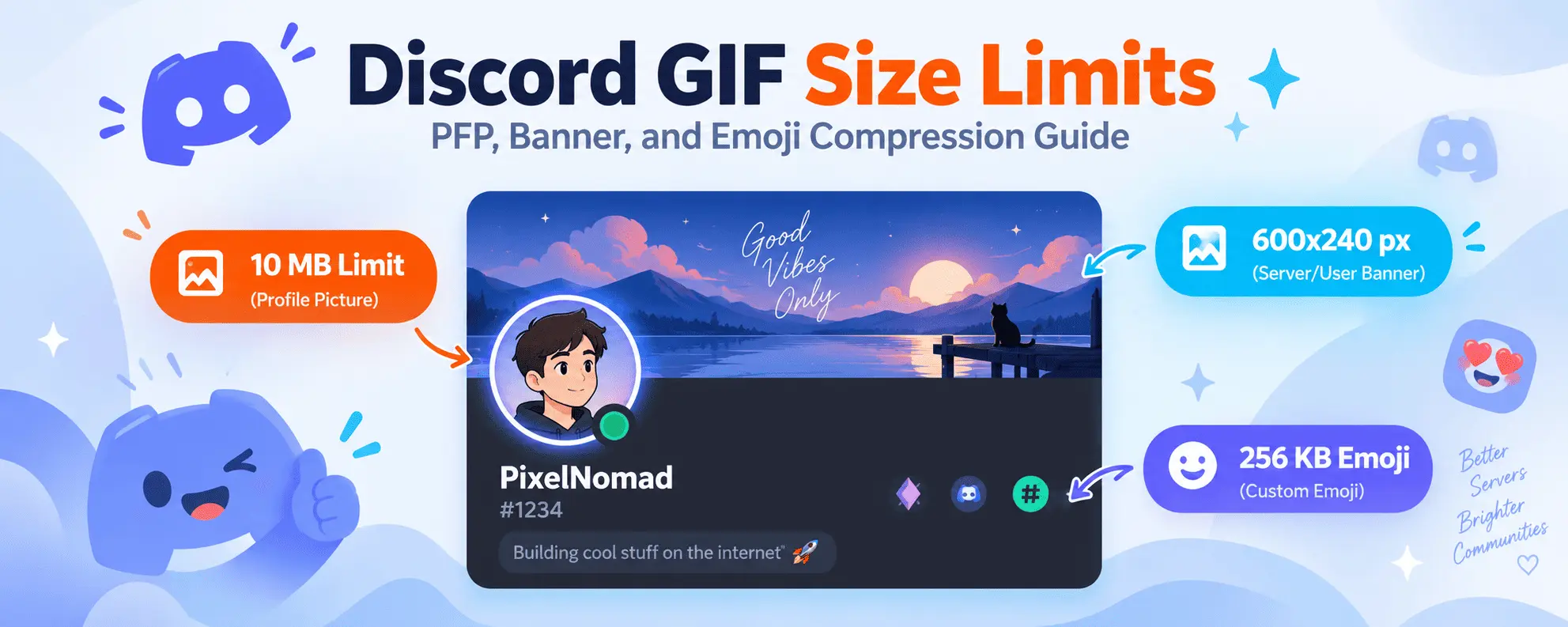
Discord GIF Size Limits & Compression Guide
Learn Discord's avatar, banner, and emoji file limits, and how to optimize slow-motion GIFs to fit.
Color Psychology and GIF Design: Enhancing Visual Impact
Understand how color palettes and frame transitions work together to create striking, memorable animations.

Best Video to GIF Conversion Settings for Speed & Quality
Compare framerates, resolution scaling, and quantization settings for creating fluid, high-performance GIFs.