
Convert Sprite Sheet to GIF Online
Slice 2D game sprite sheets into individual frames and compile into smooth animated GIFs. Perfect for showcasing pixel art on Twitter / X, Discord, Reddit, and Steam.
Upload Sprite Sheet to Animate as GIF
Slice individual frames from any sprite grid (PNG, WebP, JPG) and compile into a smooth animated GIF.
Standard Pixel Art & Sprite Dimensions
Easily slice sheets downloaded from itch.io, Kenney.nl, OpenGameArt, or custom Aseprite exports.
16 × 16 px
Classic micro pixel sprites, vintage RPG icons, and retro game walk cycles.
32 × 32 px
The gold standard for indie pixel games, dungeon crawlers, and itch.io asset packs.
64 × 64 px
High-detail pixel art with fluid cloth animation, particle effects, and expressive characters.
128 × 128 px
Hi-res vector sprites, combat animations, and animated Discord server emojis.
How to Convert Sprite Sheet to GIF in 4 Steps
Follow this quick workflow to turn any static sprite sheet into a looping animated GIF.
Upload Sprite Sheet PNG
Drag and drop your sprite sheet image (PNG, WebP, or JPG). Full alpha transparency is preserved automatically.
Set Columns & Rows or Frame Size
Configure grid slicing by columns & rows (e.g. 4x4) or pixel dimensions (16x16, 32x32, 64x64 px). Inspect the cut overlay.
Preview & Tune Frame Rate
Watch your character animate in real-time in the interactive player. Tune framerate (1 to 30 FPS) or toggle boomerang loop.
Compile & Download GIF
Click 'Compile to GIF' to render an ultra-smooth looping animated GIF ready to share on Discord, Twitter, Reddit, or Steam.
Why Creators Choose FreeGifTools for Sprite Animation
Designed for speed, clarity, and ease of use when showcasing character animations to the world.
Interactive Slicer Grid Overlay
Visually see exact cut-lines across your sprite sheet with highlighted active frames as the preview plays in real-time.
100% In-Browser Compilation
Unlike server-side tools like EZGIF that upload files to queues, your sprite sheets are sliced and animated locally in your browser.
Pixel Art Interpolation Mode
Preserves sharp nearest-neighbor pixel edges so retro pixel art never turns blurry or muddy during playback.
Reverse & Boomerang Loops
Easily test looping behavior. Play forward, backward, or toggle ping-pong boomerang mode with 1 click.
Variable Framerates (1–30 FPS)
Dial in the exact speed of your walk cycles, idle animations, or sword slashes from slow-motion to fluid 30 FPS.
Zero Watermarks & Clean Output
Free GIF Tools never adds watermarks or branding to your exported animations. 100% free for commercial and indie games.
Sprite Sheet to GIF FAQs
Common questions about slicing sprite sheets, calculating frame dimensions, and exporting GIFs.
What is a sprite sheet to GIF converter?
A sprite sheet to GIF converter is an online tool that takes a single 2D sprite sheet image (containing multiple animation frames in a grid), slices it into individual cells based on your specified column and row counts, and compiles those frames into a looping animated GIF.
How do I know the frame dimensions of my sprite sheet?
Divide the total width of your image by the number of horizontal columns, and total height by vertical rows. For example, a 128x32px image with 4 columns has frames of 32x32px each. Our tool lets you slice either by columns and rows, or by entering pixel dimensions directly.
Why do game developers convert sprite sheets to GIFs?
While game engines require sprite sheets to run games, social media platforms (Twitter/X, Discord, Reddit, TikTok) and portfolio websites cannot play static PNG sheets. Converting your sprite sheet to an animated GIF allows you to showcase smooth character animations anywhere on the web.
How is FreeGifTools different from EZGIF's sprite sheet cutter?
EZGIF requires uploading your image to an external server and waiting for server rendering. FreeGifTools runs 100% client-side in your browser. It features a real-time live playback player, an interactive visual slice overlay, boomerang loops, and zero file upload wait times.
Can I make Discord animated emojis from sprite sheets?
Yes! Many custom Discord emotes start as sprite sheets from retro video games. Upload the sprite sheet, select your frame dimensions (e.g. 32x32 or 64x64), adjust the speed to 12-15 FPS, and compile. The resulting GIF can be uploaded directly as a custom Discord server emoji.
What if my sprite sheet has blank or empty slots at the end?
Our tool includes an 'Active Animation Frames' slider. If your 4x4 grid has 16 slots but your character animation only has 12 frames, simply set the frame counter to 12 to skip the empty slots automatically.
Related Animation & Optimization Guides
Tips on GIF framerates, Discord file constraints, and animation timing.
GIF Frame-by-Frame Editing: How to Control Timing
Master GIF frame timing, delay metadata, and framerate management for perfectly synchronized animations.
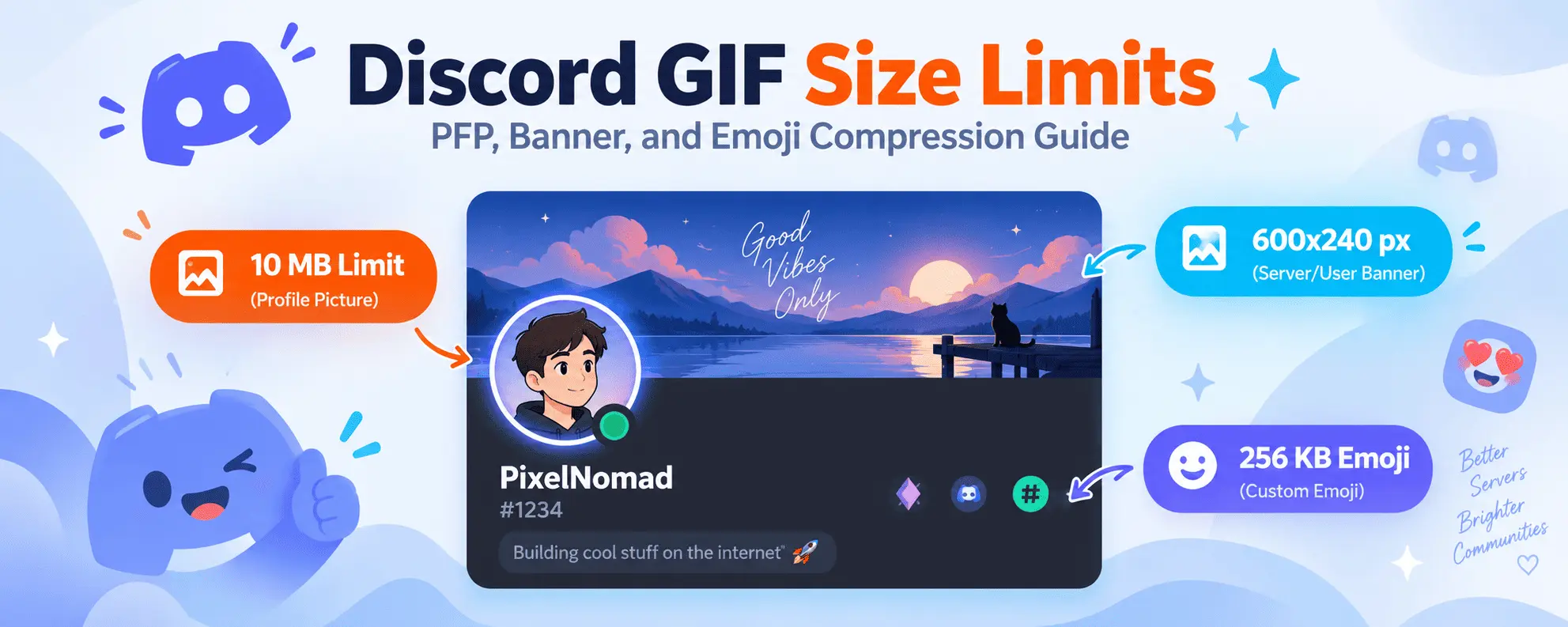
Discord GIF Size Limits & Compression Guide
Learn Discord's avatar, banner, and emoji file limits, and how to optimize pixel art GIFs to fit.

Color Psychology and GIF Design: Enhancing Visual Impact
Understand how color palettes and frame transitions work together to create striking pixel animations.

Best Video to GIF Conversion Settings for Speed & Quality
Compare framerates, resolution scaling, and quantization settings for creating fluid animated assets.