
Compress GIF for Discord & Social Media
Hit exact upload limits with 1 click. Easily shrink animations to < 8MB for Discord Free, < 25MB for Nitro, < 10MB for WhatsApp, and < 256KB for Server Emojis.
Drop your GIF here
Social Media & Discord GIF Size Limits Cheat Sheet
Quick reference guide for platform upload thresholds, recommended resolutions, and framerates.
Discord Free (Standard)
Up to 480p • 12–15 FPS
Discord Nitro (Basic / Boosted)
720p–1080p • 20–30 FPS
Discord Server Emote / Sticker
128×128 (1:1 square) • 10–15 FPS
WhatsApp (Mobile & Web)
360p–480p • 12–15 FPS
Slack Animated Emoji
128×128 (1:1 square) • 10–12 FPS
How to Compress a GIF for Discord in 4 Easy Steps
Our automated size targeting makes bypassing Discord's 8MB error effortless.
Upload Your GIF File
Drag and drop any GIF up to 50MB into the secure dropzone. Processing happens 100% locally in your browser.
Select Target Limit
Choose 1-click quick actions: '< 8MB (Discord Free)', '< 25MB (Discord Nitro)', or '< 10MB (WhatsApp)'.
Instant WebAssembly Compression
Our client-side Gifsicle engine calculates optimal color reduction and lossy factors to guarantee your file fits under the threshold.
Download & Upload to Discord
Download your optimized GIF and share it directly in Discord channels, DMs, or server boosts without 'File is too powerful' errors.
Why Discord Users Trust Free GIF Tools
Engineered for seamless Discord community sharing, Nitro avatars, and custom animated server emojis.
Exact Target Size Presets
Never guess lossy or scale factors again. Click '< 8MB' or '< 25MB' to automatically tune the Gifsicle engine to the exact threshold.
100% Client-Side Privacy
Your animations never touch external servers or the cloud. All WebAssembly calculations execute locally in your browser.
Smart Color Quantization
Eliminates redundant color palette entries and metadata while keeping visual clarity and smooth gradients intact.
Frame Delay & Timing Preservation
Maintains 100% of your GIF's original frame pacing and loop counters so the animation never stutters or desyncs.
Discord Emote Auto-Resize
Select the Discord Emote preset to automatically downscale large GIFs to 128x128 and compress under the 256KB threshold.
Zero Watermarks & Completely Free
No accounts, no subscriptions, and zero watermarks stamped onto your animations. Unlimited compressions forever.
Discord GIF Compression FAQs
Got questions about Discord attachment limits, Nitro sizes, or emote restrictions? Find answers below.
Why does Discord reject my GIF upload?
Discord displays the error 'Your file is too powerful' when a file exceeds the maximum attachment upload limit. For free standard accounts, the limit is strictly 8MB (though some regions test 10MB). If your GIF is 8.1MB, Discord blocks it completely. Our tool shrinks your GIF safely under 8MB (typically 7.2MB–7.8MB) so Discord accepts it on the first attempt.
What is the GIF size limit for Discord Nitro users?
Discord Nitro Basic accounts have a 50MB upload limit, while Discord Nitro standard subscribers can upload files up to 500MB. However, many boosted Discord servers set specific media limits (e.g. 25MB or 50MB) for chat clarity. Our '< 25MB (Discord Nitro)' preset ensures high-FPS clips upload smoothly without hitting server bottlenecks.
What are the rules for Discord animated server emojis?
Discord animated emojis must be under 256KB in file size and have a 1:1 aspect ratio with maximum recommended dimensions of 128x128 pixels. If your emoji exceeds 256KB, server settings will reject it. Use our 'Discord Emote (< 256KB)' quick action to automatically downscale and compress your GIF to meet these strict requirements.
How does this tool compress GIFs to under 8MB without ruining quality?
Our WebAssembly engine utilizes advanced Gifsicle algorithms. It combines three non-destructive techniques: (1) trimming redundant GIF89a comment extensions, (2) adaptive color palette reduction (e.g. 256 to 192 or 128 colors with error-diffusion dithering), and (3) gentle lossy frame compression that discards invisible color variations.
Can I compress GIFs for WhatsApp as well?
Yes! WhatsApp has a strict 10MB limit for animated GIF auto-playback on mobile and web. Select our '< 10MB (WhatsApp)' preset to optimize your file for instant sending and immediate playback in all WhatsApp group chats.
Are my personal GIFs kept private when using FreeGifTools?
Absolutely. Free GIF Tools runs entirely client-side using WebAssembly in your browser. Your images and GIF files are never uploaded to any remote server or stored in any database. Your media remains 100% private on your own device.
Related Discord & GIF Compression Guides
Explore expert tips on GIF sizing, avatar optimization, and lossless compression workflows.
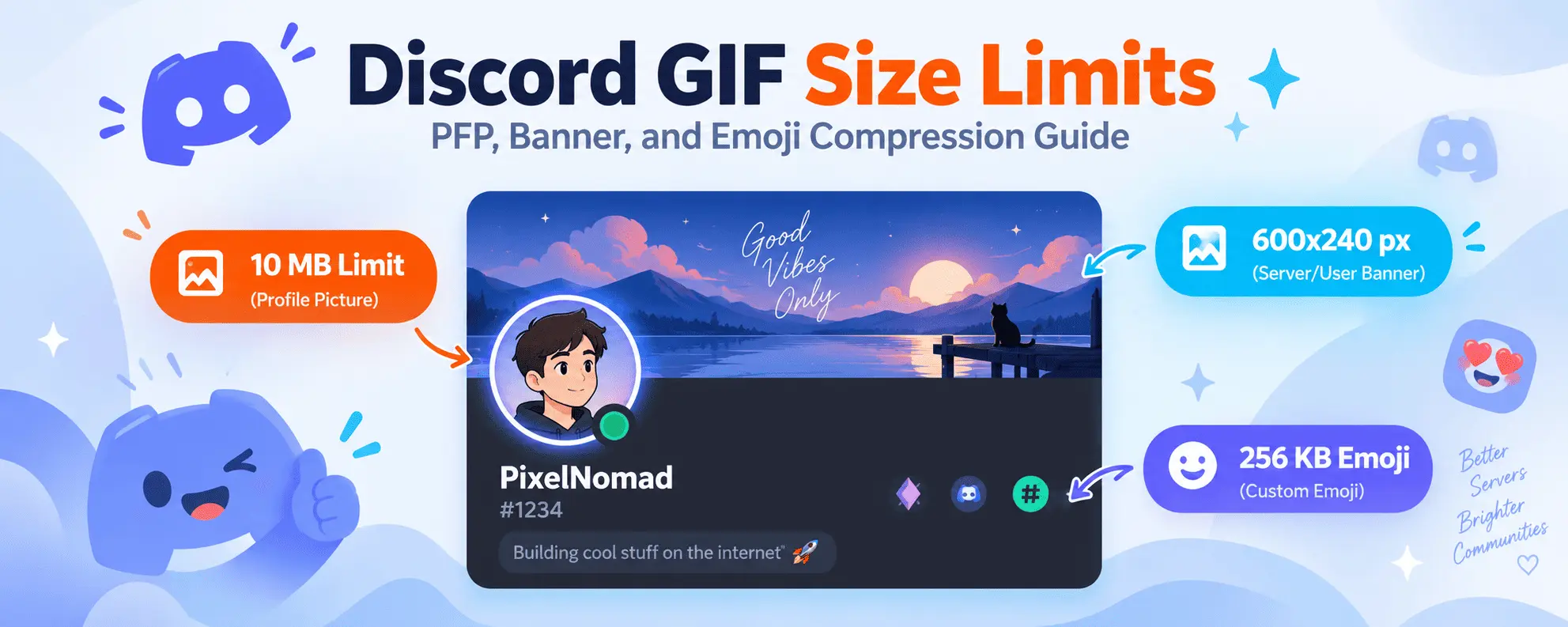
Discord GIF Size Limits & Compression Guide
Master Discord's avatar, banner, and emoji file limits, and learn how to optimize GIFs to fit.
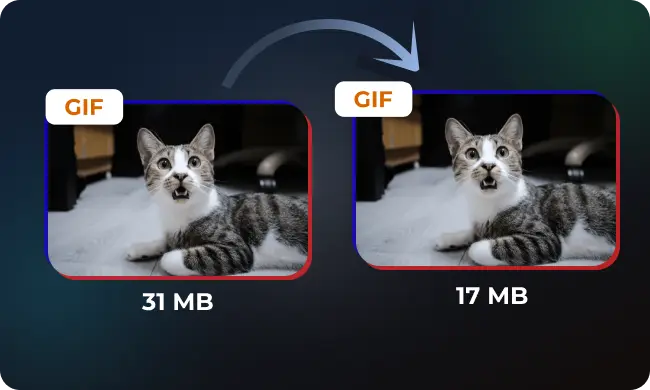
How to Compress a GIF: Complete Optimization Guide
Learn how lossy quantization and LZW dictionary compaction shrink GIF file sizes by up to 85%.
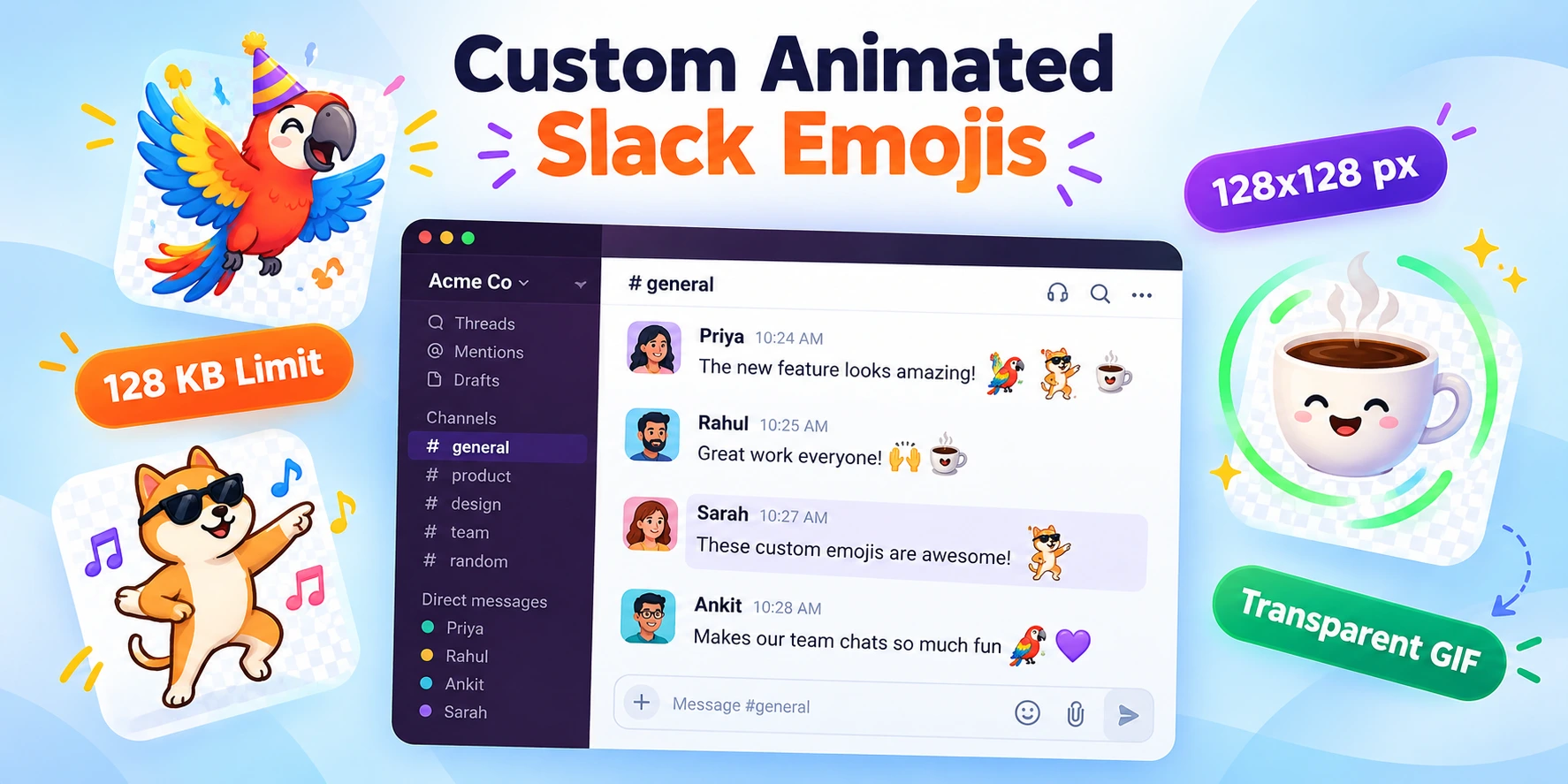
How to Create Custom Slack & Discord Animated Emojis
Step-by-step instructions to convert memes and clips into lightweight 128x128 animated emotes.

Best Video to GIF Conversion Settings for Speed & Quality
Compare framerates, resolution scaling, and quantization settings for creating fluid GIFs.