
My Beloved GIF Maker & Heart Locket Generator
Create the viral 3D spinning golden heart-locket meme with your favorite characters, idols, friends, or pets. 100% free, private in-browser rendering with zero watermarks.
Heart Locket Meme GIF Generator
Create the iconic 3D spinning heart-locket meme with your favorite photos and custom caption.
1. Upload Photos
2. Meme Caption Text
3. Customization & Effects
Please Support Us by Donating
The Legend Behind the "Heart Locket" Meme
How a vintage 2000s novelty graphic became one of the most recognized meme formats in internet culture.
In the early days of the social web, a website called MakeSweet introduced an interactive 3D heart-shaped locket that swung open to reveal photos inside. Fast-forward to the 2020s, and online communities on Discord, Reddit, Tumblr, and Twitter / X rediscovered the template, turning it into the famous "[Character] My Beloved" meme.
Whether used earnestly by K-pop and anime stan accounts, or ironically by gaming communities honoring absurd fictional characters (like Shrek, Walter White, or Minecraft mobs), the spinning golden locket represents the ultimate tongue-in-cheek badge of devotion.
How to Create Your "My Beloved" GIF in 4 Steps
Make a high-resolution spinning heart locket in less than 30 seconds.
Upload Your Photo
Drop a picture of your favorite character, friend, pet, or celebrity. You can also add an optional second photo for the right heart.
Customize Caption Text
Type the subject name (e.g. 'KEANU REEVES') and caption ('MY BELOVED'). The classic serif meme font renders with automatic drop shadow.
Choose Locket Metal & Animation
Pick 24K Classic Gold, Platinum Silver, Rose Gold, or Ruby Velvet. Select 3D 360° Spin, Opening Swing, or Floating Heartbeat.
Compile & Download GIF
Preview the animation in real-time, click 'Compile Animated GIF', and save your clean watermark-free meme to share on Discord or Twitter.
Why Creators Choose FreeGifTools for Heart Locket Memes
Built for speed, clarity, customizability, and instant social sharing.
Iconic 3D Spinning Locket (MakeSweet Style)
Faithfully reproduces the beloved retro 3D rotating heart locket animation that took Discord, Reddit, and Stan Twitter by storm.
100% Free & No Watermarks
Unlike legacy meme sites that slap huge logos over your creations, FreeGifTools gives you 100% clean, professional GIF exports.
Dual Photo or Photo + Inscription
Upload two different photos for the left and right chambers, or use a single photo with a matching engraved inscription plate.
Magical Twinkling Sparkles (✨)
Dynamic diamond star glimmers that float and pulse around the heart locket for that nostalgic, dreamlike romantic aura.
Discord Emote & Avatar Ready
Export at standard 360x360 resolution or choose the 128x128 emote preset to instantly upload as a custom server emoji or Nitro avatar.
100% Private In-Browser Processing
Your personal photos are rendered locally on your device using HTML5 Canvas and WebAssembly. Nothing is ever saved to external servers.
Heart Locket Meme FAQs
Everything you need to know about creating, optimizing, and sharing your "My Beloved" GIFs.
What is the 'My Beloved' heart locket meme?
The 'My Beloved' meme is a viral video/GIF template featuring an opening or spinning 3D golden heart-shaped necklace locket with a person or character's photo inside, typically captioned '[Name] My Beloved'. Originally created on the MakeSweet website in the 2000s, it exploded into modern internet lore across Discord, Twitter, and Reddit fandoms.
How do I make a spinning heart locket GIF without MakeSweet?
FreeGifTools provides a modern, 100% in-browser 'My Beloved' generator. Simply upload your photo, customize your text, select a metal theme (Gold, Silver, Rose Gold), and click 'Compile Animated GIF'. It runs instantly in your browser without queues or intrusive watermarks.
Can I use this heart locket GIF as a Discord emote or avatar?
Yes! Select the 'Discord Emote (128x128 px)' export preset. This creates an optimized, lightweight GIF under Discord's 256 KB emote upload limit, ready to be added to any server as a custom animated reaction emoji.
What if my generated GIF is too large for Discord?
Discord has an 8 MB upload limit for regular users and 256 KB for emotes. If your exported animation exceeds your target size, use our built-in 1-click 'Compress GIF for Discord' tool to shrink it without losing animation smoothness.
Can I add two different pictures inside the locket?
Yes. Our tool features dual photo slots. You can upload one picture for the left heart and another picture for the right heart, or leave the right side for the automated gold engraved caption plate.
Is this heart locket generator completely free?
Yes, 100% free with unlimited exports. There are no subscriptions, registration requirements, or watermarks added to your downloaded memes.
Related Meme & Discord Guides
Tips on GIF compression, Discord emote limits, and animation timing.
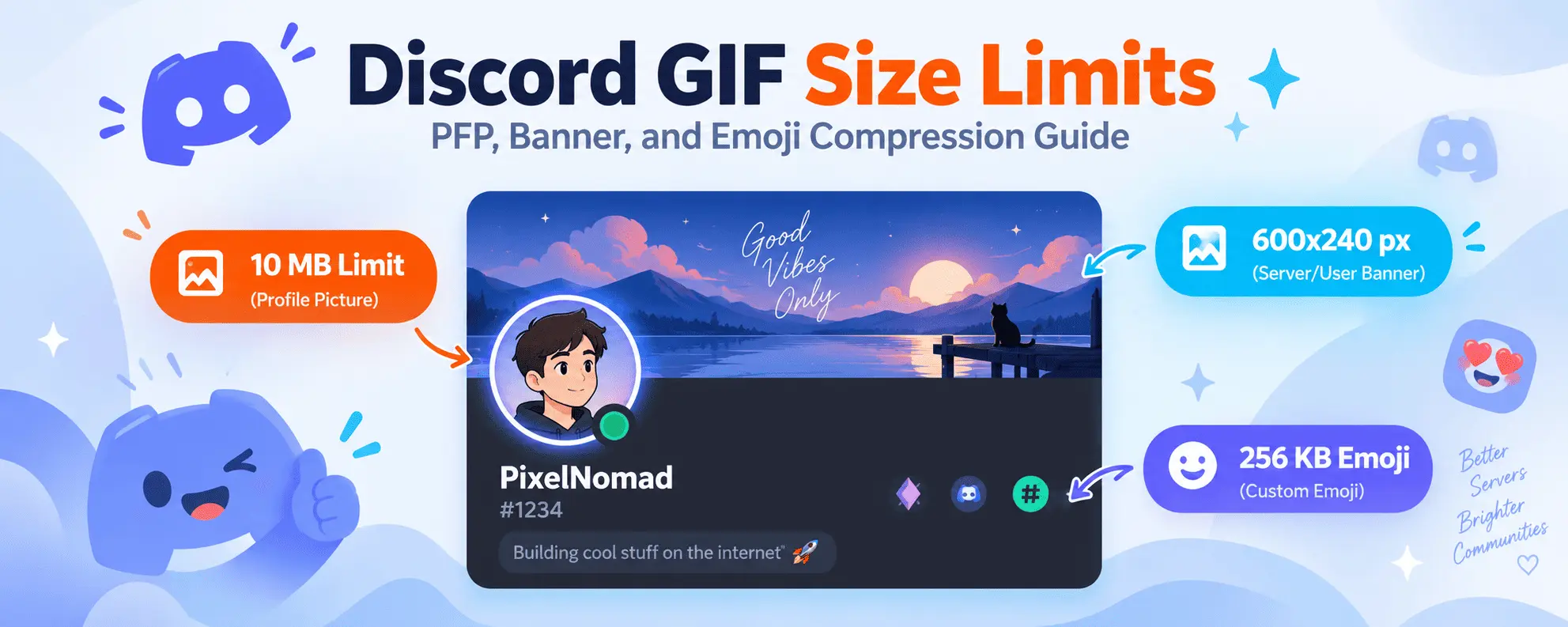
Discord GIF Size Limits & Compression Guide
Learn Discord's avatar, banner, and emote limits, and how to optimize your memes to fit.

10 Creative Ways to Use GIFs in Your Social Media Posts
How to boost engagement and virality across Twitter, Discord, and Reddit with custom animated memes.
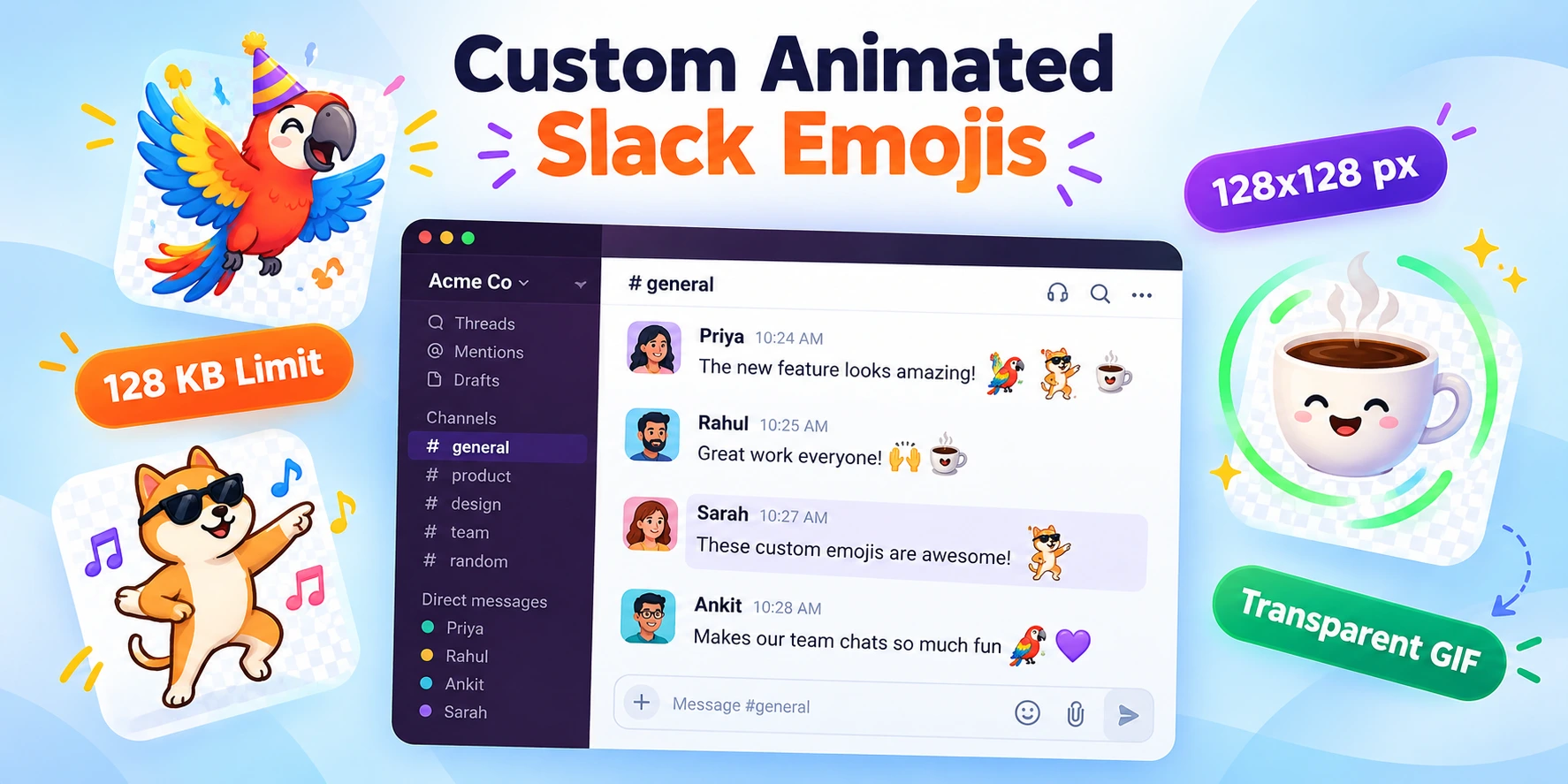
How to Create Custom Slack and Discord Emojis from GIFs
Step-by-step tutorial on turning favorite movie clips, animations, and memes into custom server emojis.
GIF Frame-by-Frame Editing: How to Control Timing
Master GIF frame timing, delay metadata, and framerate management for perfectly synchronized animations.